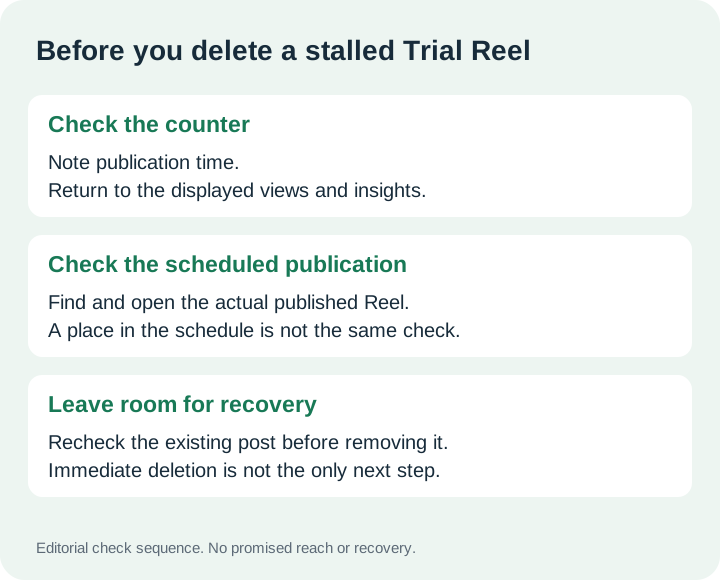
Trial Reels show a video to non-followers first. To check an apparent failure, first confirm that the video was shared as a trial, then check its sharing settings. A follower seeing it does not, by itself, prove that trial distribution failed.
Looking for the normal publishing workflow? Read how to use Instagram Trial Reels and choose when to share.
Confirm that you published a trial
Enable the Trial toggle before sharing a reel. After publication, the trial appears on your profile alongside drafts. It stays off the public profile grid and Reels tab until you share it with everyone.
Practical check: distinguish an upload still in progress from a published video you can open. Record the exact error and publishing method. If scheduling fails, treat that as a separate issue to investigate; this guide does not establish its cause or promise a workaround.
Check where a follower found it
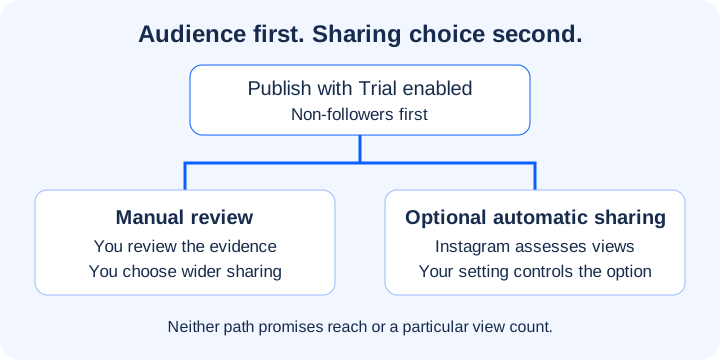
Followers can still encounter a trial through a direct message or a page for the same audio, location, or filter. Sharing it with everyone makes it eligible for distribution to followers. Automatic sharing is optional; it is based on performance during the first 72 hours.
Practical check: inspect the sharing setting and ask the viewer which route they used. A like alone cannot identify that route. Keep these observations separate from conclusions about a notification bug.
Give the trial a documented review point
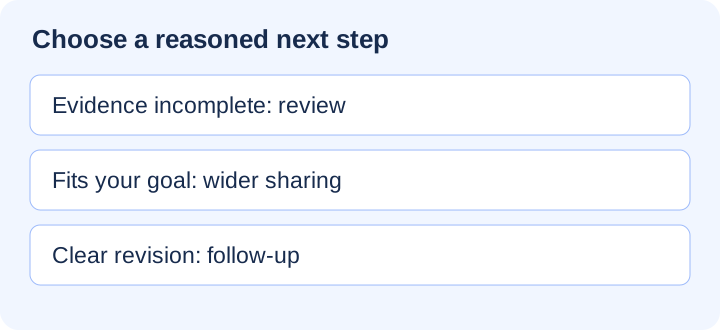
Engagement metrics become available approximately 24 hours after sharing: views, likes, comments, and shares. This is a review point, not a promised view count.
Practical check: note the publication time and review the available metrics. A zero counter alone does not tell you whether scheduling, audio, or account eligibility caused it. Avoid deleting a published trial solely on an unverified claim that re-uploading will restore reach.
Keep a useful troubleshooting record
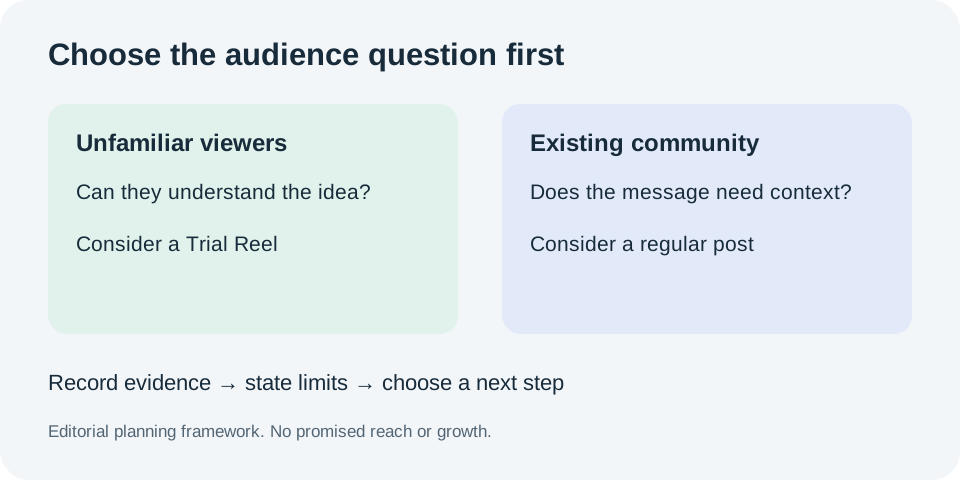
Our suggested record is the account, app version, publication time, method used, error text, whether the video opens, and the sharing setting. This is a diagnostic checklist, not an Instagram eligibility rule or a guaranteed fix. We do not infer Trial Reels access from an account’s past advertising spend.
Publish as a trial
Enable the Trial toggle before sharing. The video is shown to non-followers first.
Review available metrics
Views, likes, comments and shares become available approximately 24 hours after sharing.
Choose broader sharing
You can share with everyone. Optional automatic sharing uses performance during the first 72 hours.
Before your next follow-up
Check whether commenters receive the resource you promised.
For the feature basics, read what Instagram Trial Reels are.
For an unexpected follower encounter, review how followers can encounter a Trial Reel.
For a stalled trial, work through the checks for Trial Reels that are not working.
Before preparing another upload, read about reusing an old video as a Trial Reel.
For questions about upload volume, read about daily Trial Reels posting frequency.
If ordinary posts also look different, read about whether Trial Reels affect normal Reels.
Before choosing the format, consider whether Trial Reels fit your content.
For production planning, read about batching content for Trial Reels.
After publishing, review what to do after your first Trial Reel.
Before calling an edit a winner, read about comparing Trial Reel versions carefully.
To keep a reusable observation record, use the blank Trial Reels tracking template.
Before delegating wider release, read about how Trial Reels automatic sharing works.
For the decision to release an existing trial, read what can happen after sharing a Trial Reel with everyone.
For the purpose of this guide, read about the scope and independence of TrialReelsGuide.
For a correction or site question, see how to contact TrialReelsGuide about an article.
For information about website data handling, read how TrialReelsGuide handles visitor information.